
UberEats Tablet Wipe: Get Back Online Fast
 John Dwyer 8 min read
 If your UberEats tablet wiped itself on Thursday 22 May 2026 and you’re scrambling to get orders flowing again, this is the short version.
TL;DR
- Take orders on the web at
merchants-beta.ubereats.comfrom any laptop, phone, or spare tablet right now. Type the URL into your browser, don’t click through from email. - To restore the tablet, reinstall the Uber Eats Orders app from Google Play using a dedicated business Google account. Never a personal Gmail.
- If anyone calls offering a “replacement tablet” or commission discount and asks for a PIN, OTP, password, or bank details, hang up. Uber will not ask for any of that by phone.
Read on for the detail.
What actually happened
On the morning of 22 May 2026, a batch of UberEats merchant-supplied Android tablets across the network performed a full factory reset. Operators woke up to wiped devices, no Uber Eats Orders app, no login state, and orders queuing in the background with nobody to accept them.
Uber emailed affected restaurants a recovery process. Two paths: log in via a web dashboard, or reinstall the Orders app on the tablet.
One thing worth flagging before you do anything else. Uber did not issue a public statement about this. The Uber status page (uber.statuspage.io) reported “all systems operational” on the day, there’s no Uber newsroom post, and no merchant-facing tweet from @UberEats or @Uber_Support. The only direct communication appears to be the per-merchant email.
Why that matters. If you got the email and the instructions look legitimate, verify them against an independent source before acting. Log into Uber Eats Manager via a bookmarked URL or by typing the address. If anything feels off, call AU merchant support on 1-800-839-157 and confirm the email is real before clicking anything.
Fastest recovery: take orders on the web
You don’t need the tablet to keep trading. The merchant dashboard runs in a browser.
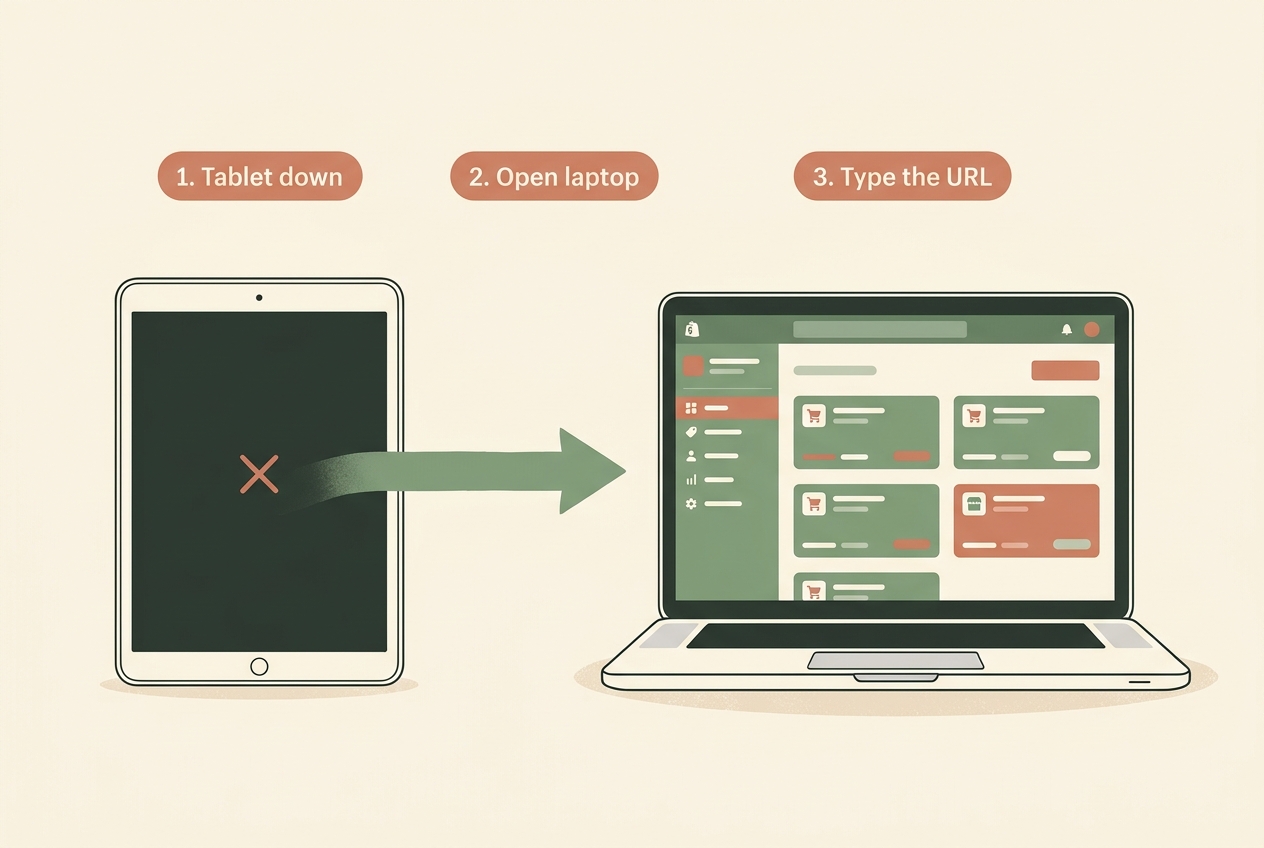
- Open a laptop, phone, or spare tablet that’s connected to your store’s wifi.
- Type
merchants-beta.ubereats.cominto the address bar manually. Do not click the link in the recovery email. Phishers register look-alike domains likemerchants-beta-ubereats.comormerchant-beta.ubereats-help.comand the difference is one character. - Confirm the address bar reads
*.ubereats.comwith a valid padlock before entering credentials. - Sign in with your usual Uber Eats Manager login.
- Accept incoming orders from the dashboard. Print dockets from the browser print dialog if your kitchen workflow needs paper.
That’s enough to keep trading whilst you sort the tablet.
If merchants-beta.ubereats.com feels unfamiliar, the standard production URL is merchants.ubereats.com/orders and it works the same way. Both are legitimate Uber-owned domains.
Restoring the tablet
This is where most operators are about to make a mistake, so read it before you reach for the device.
- Power the tablet on and walk through the Android welcome screens.
- When prompted for a Google account, use a dedicated business Google account. Something like
[email protected], created specifically for merchant tablets. Store the password in your business password manager. Do not use a personal Gmail. - Connect to your store’s wifi.
- Open the Google Play Store, search for Uber Eats Orders, and install it. Confirm the publisher reads “Uber Technologies, Inc.” before tapping install.
- Sign in with your UberEats Manager credentials.
- Test a dummy order through the web dashboard to confirm the tablet picks it up.
Why the dedicated business account matters: Factory Reset Protection.
Once a Google account is added to an Android device, the operating system locks that device to the account. If the tablet is later wiped, sold, or returned to Uber, removing the account requires the original password. If you used your personal Gmail and you sell the business, change phones, or simply forget the password, the tablet can become unusable for the next owner. Worse, your personal contacts, Drive files, browser history, and 2FA prompts start surfacing on a device that sits on the pass and gets touched by every front-of-house staff member who walks past.
A business-owned Google account contains the blast radius. If a tablet goes missing, you can remotely sign it out from one place. If a staff member leaves, no personal data goes with the device. The account belongs to the business, not a person.
If the tablet won’t accept a new Google account or the OS restricts account changes (some Uber-managed tablets do), call 1-800-839-157 and ask them to walk you through it.
If you can’t sign in
Sometimes the issue isn’t the tablet, it’s that nobody at the venue remembers the Uber Eats Orders sign-in. That account uses an @ubereats.com address that Uber assigned during onboarding, separate from your UberEats Manager login.
- Sign into UberEats Manager on a desktop browser.
- Navigate to Users.
- Find the user labelled Uber Eats Orders.
- The username will be an
@ubereats.comaddress. Note it. - Click Reset Password to receive a reset link at the recovery email on file.
- Use the new password to sign into the Orders app on the tablet.
If you don’t have access to UberEats Manager either, call AU merchant support on 1-800-839-157 with your store ID handy. They can verify ownership and reset access.
The scam calls to ignore
This is the section that matters most. An incident like a mass tablet wipe is perfect cover for scammers. Confused operators are now expecting someone “from Uber” to ring with help. Phishers know that.
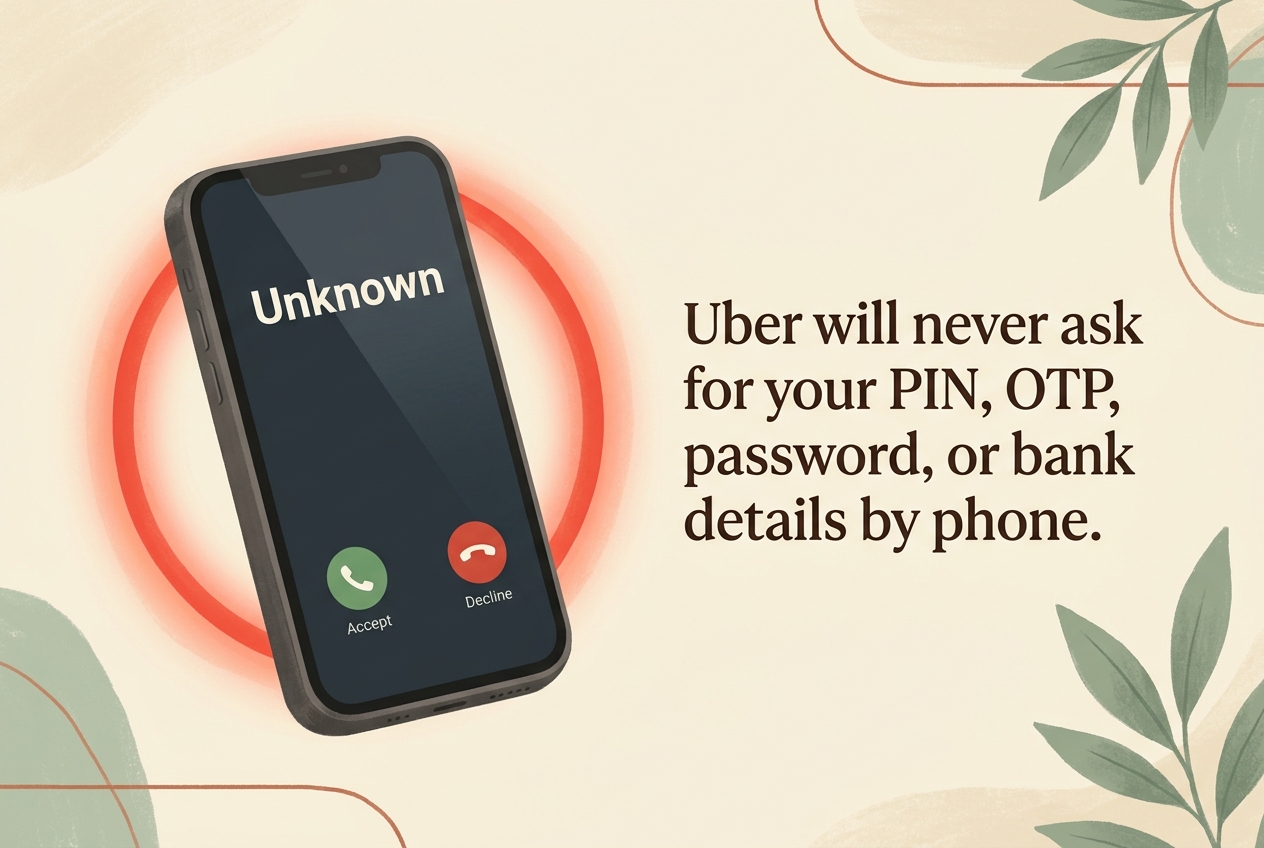
There are four established patterns we’ve seen across hospitality merchants.
The replacement tablet call. Someone rings claiming Uber is shipping a free replacement device. To “verify” the shipping address, they ask for your phone number, login, 4-digit tablet PIN, an OTP code, or bank details. Hang up. Uber will not collect any of those by phone.
The commission discount call. Caller poses as the Uber Eats commissions team offering a reduced rate. They need to “confirm account details” to apply the discount. Often they can’t pronounce your business name correctly, or they ask you to confirm it for them. That’s the tell. Hang up.
The OTP harvest. Someone with a friendly support pretext asks you to read out a 4-digit code that “just arrived” to verify your identity. That code is the OTP for an account takeover happening in real time on a phisher’s browser. Once you read it out, they’re in. Never read an OTP to anyone over the phone.
The document harvest by email. A spoofed sender like [email protected] (note the @gmail.com, not @uber.com) asks for business licence scans, ABN paperwork, or proof of ownership. Those documents get used to social-engineer Uber support into transferring payouts to a different bank account.
What Uber will never ask for, verified against Uber’s own phishing guidance:
- A PIN or one-time passcode by phone or email
- Your UberEats Manager password
- Your BSB or bank account number by phone
- Business documents sent to a personal-domain email address
If a call feels off, hang up and call back on 1-800-839-157. That’s the only AU merchant line. Anything else, treat as suspicious.
To report a scam attempt:
- Email
[email protected] - Phone
1-800-839-157 - Australian merchants can also lodge a report with Scamwatch
What this exposed
A tablet wipe with no public statement, a recovery email that can’t easily be distinguished from a phishing email, and a scam-call cycle that piggybacks on the confusion. That’s a lot of moving parts for an 11am Friday lunch service.
There’s nothing wrong with using UberEats. For a lot of cafes and restaurants the order volume is real and the margins, whilst thin, are workable. The issue is dependency. When the platform owns the device, the login, the customer relationship, and the comms channel, an operator has very little leverage on a day like 22 May.
The hedge is to own at least one channel end-to-end alongside the platforms. A direct ordering page on your own website, even a simple one. An email list of regulars you can message when the wifi goes down or the tablet wipes itself. A loyalty mechanism that lives in your CRM, not Uber’s. None of that replaces UberEats. It just means you have somewhere to go if the platform has a bad week.
We do this work for cafes, restaurants, and retailers across Australia. If you want to read more on the direct-ordering side, our practical guide to high-converting Aussie e-commerce covers the foundations.
Need help?
If you’re stuck on the recovery, or you’d like a hand setting up a direct-ordering channel so the next platform outage isn’t an existential event, get in touch. We’ll have a quick chat and tell you straight whether it’s worth doing.
A quick heads-up
We use privacy-friendly analytics to see how people enjoy the site. We don't track who you are or your identity. Privacy Policy